HomeBlogB2B e-procurement platformB2C online marketplaceBest PracticeBusiness modelC2C platformsCircular economyNewsMarketplace Product Feed Management: Guide + Comparison
Marketplace Product Feed Management: Guide + Comparison
Product visibility is one of the clearest levers for marketplace sales, and a good product […]
Marketplace Product Feed Management: Guide + Comparison
- Arnaud
- 7 minutes reading
Product visibility is one of the clearest levers for marketplace sales, and a good product feed setup is what makes that visibility scalable across multiple channels at once. This guide covers what a product feed actually is, what a feed manager does, and how the main options on the market compare.
1. What is a product data feed?
A product data feed is a file that centralizes the information needed to list and sell your items across channels. It acts as the bridge between your internal catalog and external platforms (marketplaces, price comparison engines, and similar), so those channels can be updated automatically and consistently instead of by hand.
It typically covers two kinds of data:
- Descriptive information: EAN code, title, brand, description, main image, category, and attributes like size, color, or material. This needs to be accurate and structured to each platform’s specific requirements, since a mismatch here is often why a listing gets rejected or under-indexed by a marketplace.
- Offer information: price and stock quantity, the details a buyer needs to actually decide to purchase.
Without a feed, updating every channel manually doesn’t scale much past a handful of SKUs and a couple of channels. That’s the core problem a feed manager solves.
2. What is a product feed manager?
A product feed manager (also called a marketplace integrator or feed aggregator) exports, configures, and synchronizes your product feed to match each marketplace’s specific requirements.
What it typically handles:
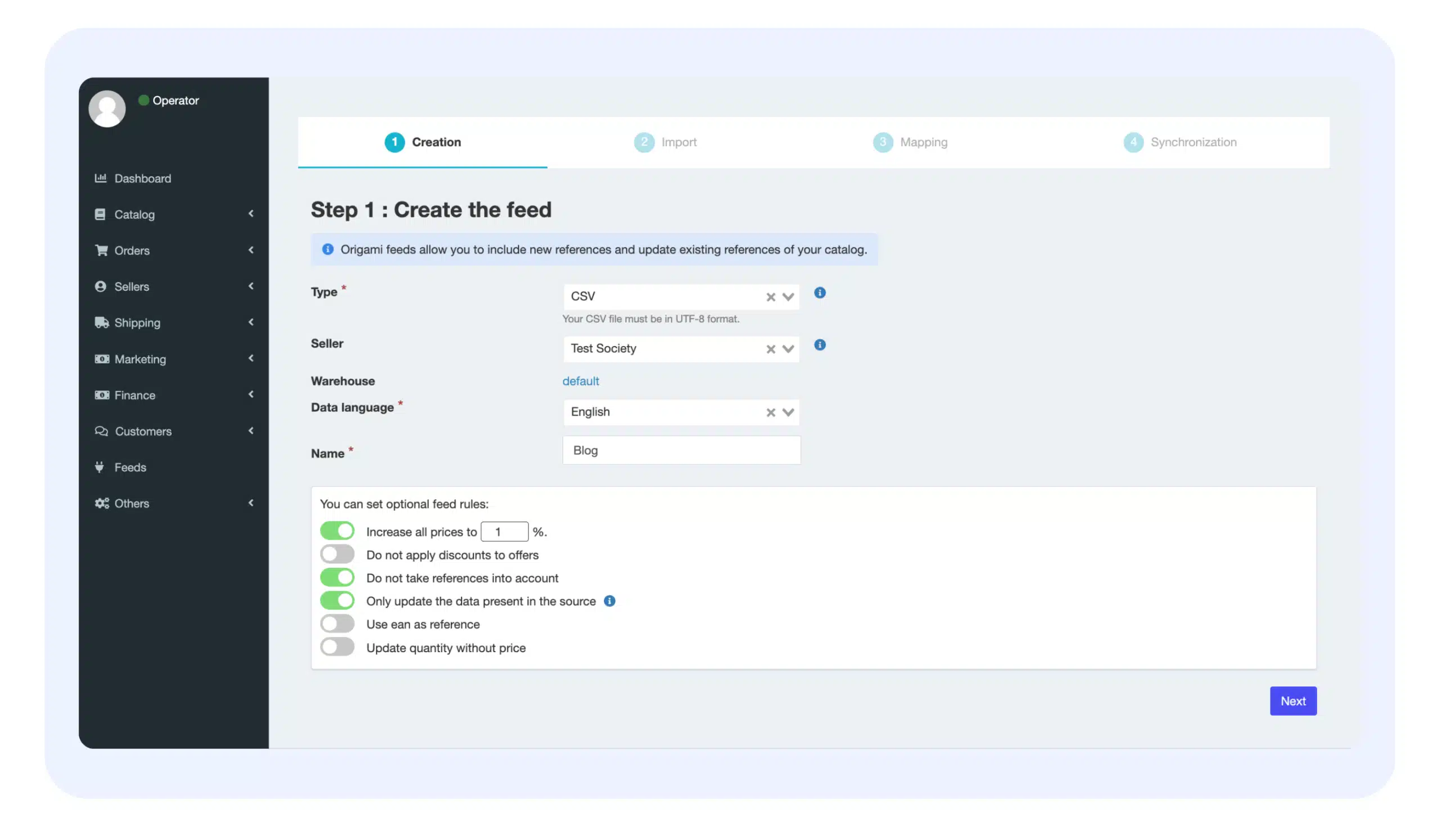
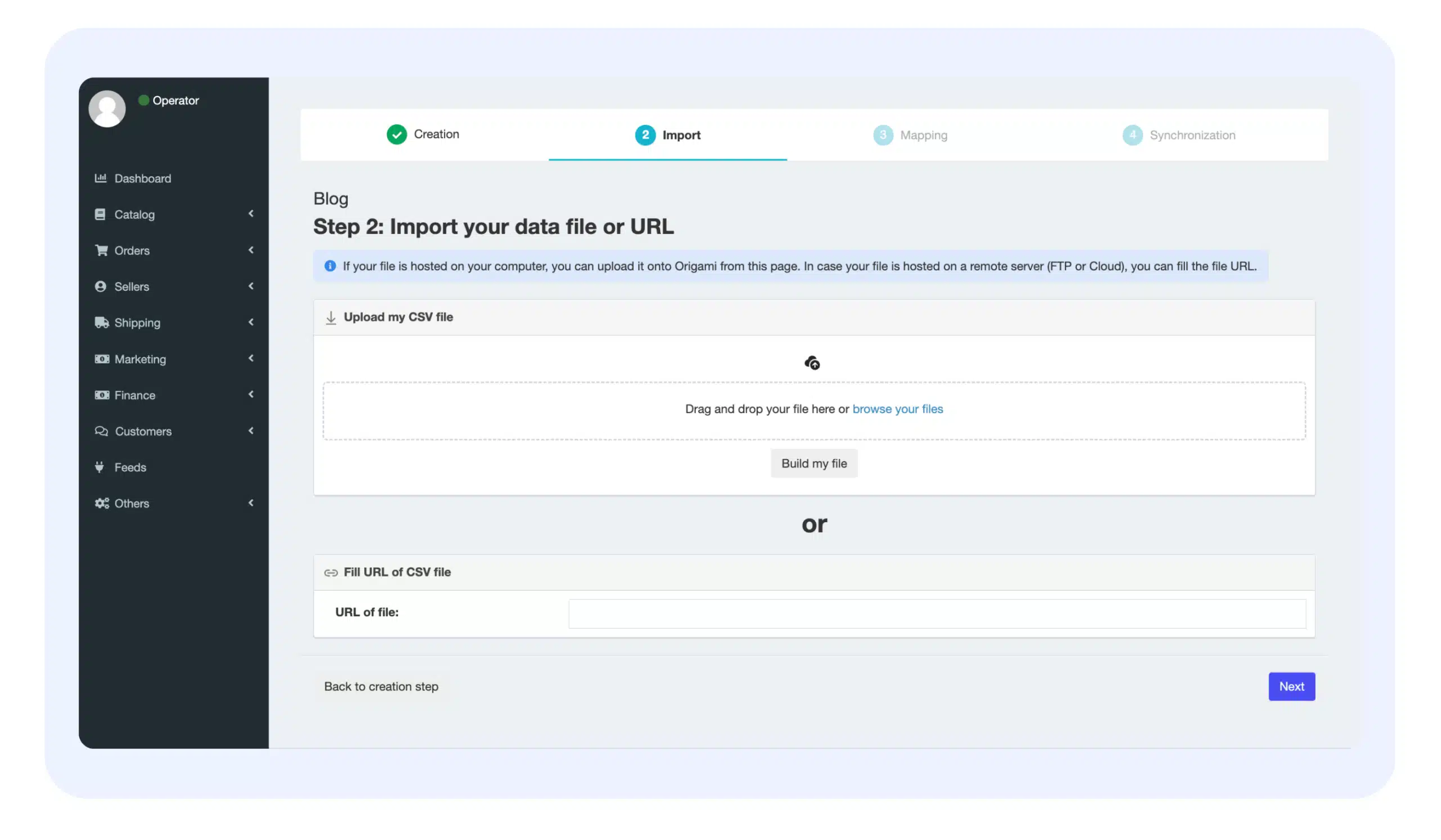
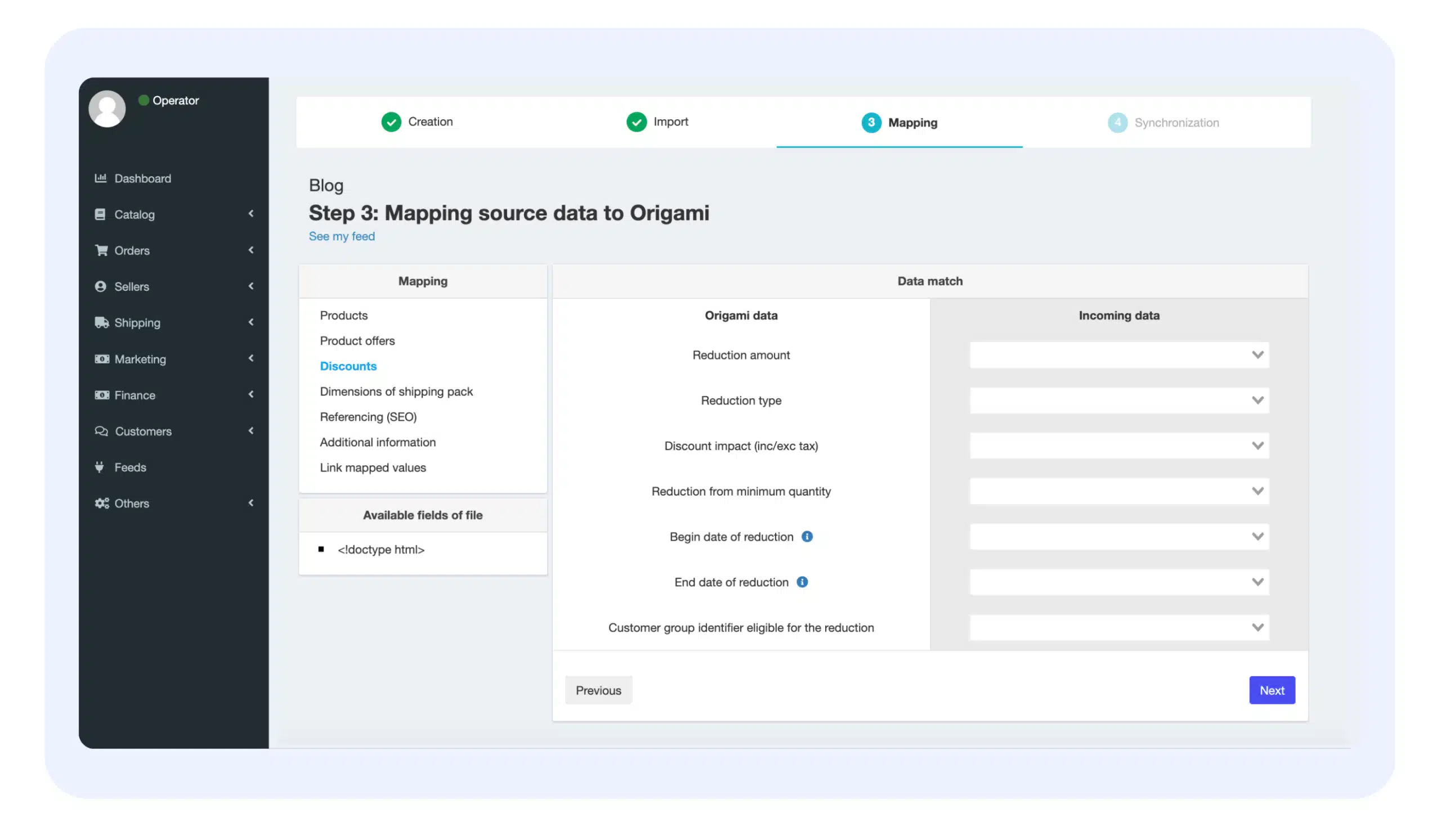
- Feed export and configuration, generating the files (often CSV) each platform expects.
- Adapting to each marketplace’s standards, since requirements differ enough between platforms that a one-size-fits-all export usually gets rejected or penalized somewhere.
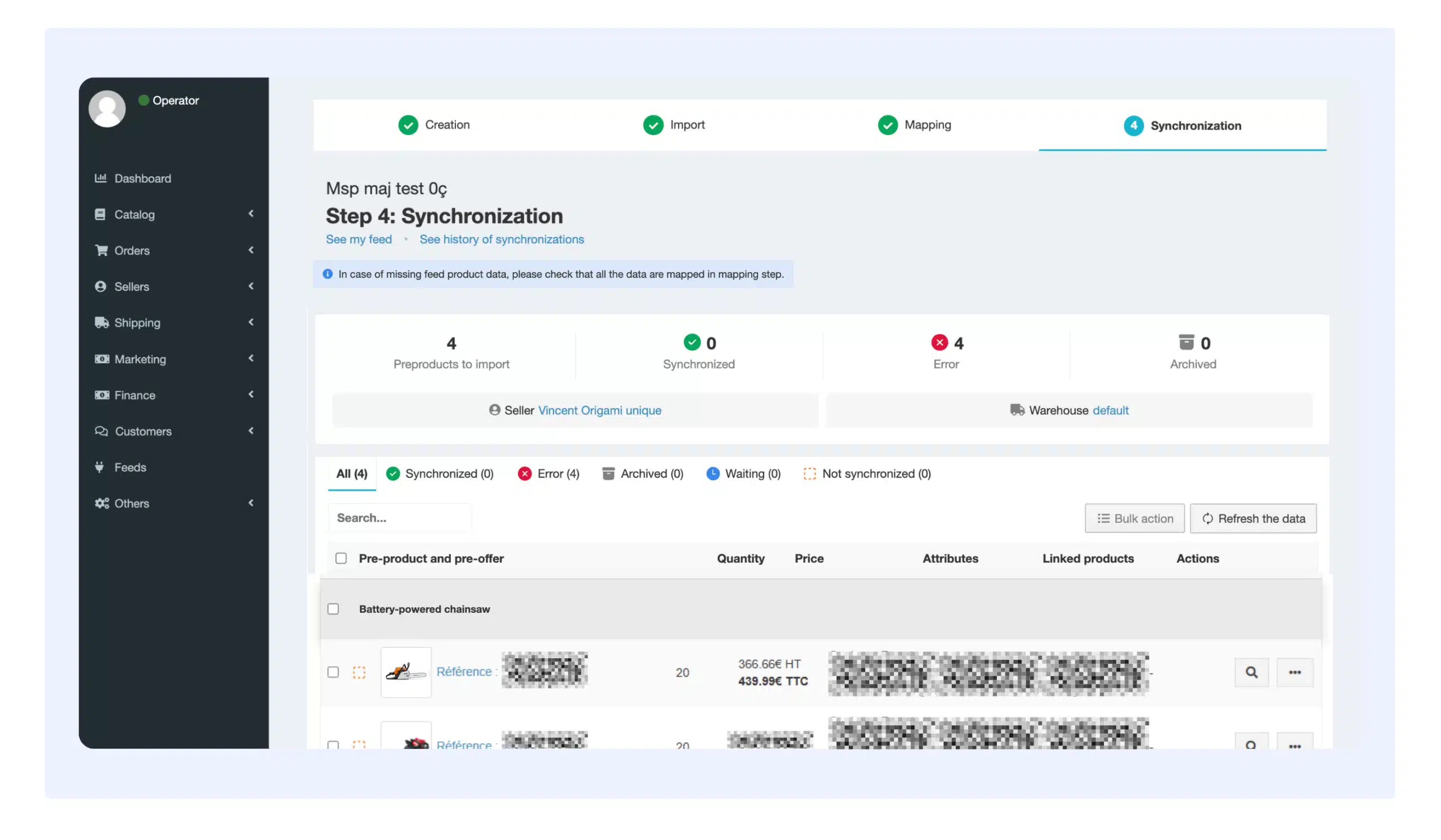
- Ongoing synchronization of stock and price, so a sale on one channel doesn’t lead to overselling on another.
- Centralized management, so you’re not logging into five different seller dashboards to manage one catalog.
3. Why it matters for marketplace sellers
- Fewer stockouts and pricing errors. Real-time or near-real-time sync means the information buyers see matches what you can actually fulfill, which also avoids the account penalties some marketplaces apply for feed inconsistencies.
- Centralized operations. Running feeds, pricing, and orders through one tool instead of a patchwork of channel-specific plugins cuts down on both cost and the operational overhead of managing each separately.
- Automation of repetitive work. Rule-based transformations mean you’re not manually reformatting the same catalog for every channel’s quirks.
- Performance visibility. A proper dashboard showing revenue, orders, and stock trends per channel is what actually lets you decide where to invest, rather than guessing.
- Room to grow. A decent feed manager should scale with you as you add channels, rather than needing to be replaced once you outgrow it.
4. "Exclusive" vs. "all-in-one" feed managers
- “Exclusive” feed managers specialize in one thing: moving data between your catalog and marketplaces. They’re often lighter and more focused, but stock and price updates on these tools are commonly batch-based rather than continuous, and price management often depends on connecting yet another third-party tool.
- “All-in-one” feed managers, like the one built into Origami Marketplace, are part of a broader platform that also covers logistics, invoicing, and promotions. Because pricing and stock management are native to the same platform rather than bolted on, updates tend to happen faster and pricing rules can be applied directly, without an extra integration layer.
The right choice depends on what you need: an exclusive tool suits a business that just wants feed distribution without extra modules, while an all-in-one tool suits a business where marketplace sales are central enough to justify a fuller platform.
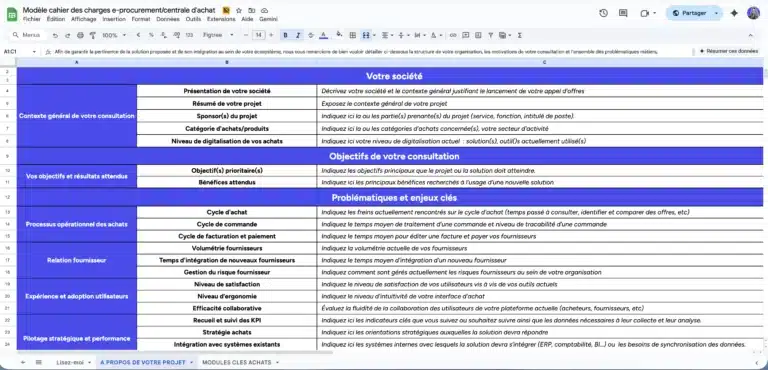
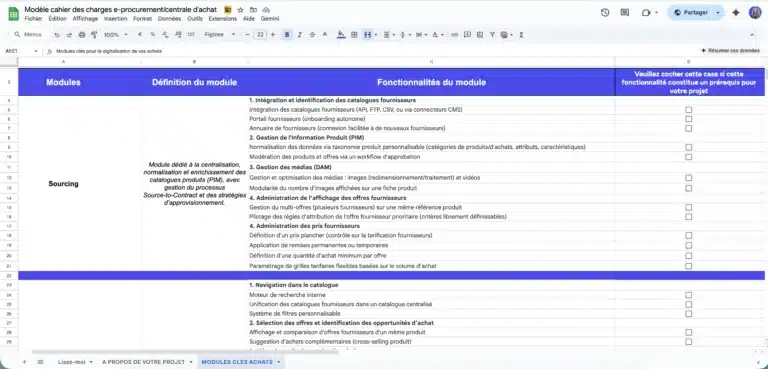
Download our free marketplace specifications template.


A ready-to-use template to quickly frame your e-procurement or purchasing group project, compare market solutions, and secure your vendor consultation process.
Comprehensive model used in B2C, B2B or C2C projects and ready to adapt.
5. Comparing the main feed management tools
Origami Marketplace
Feed management is native to the platform rather than a bolt-on, which means pricing, stock, and catalog updates run through the same system as the rest of your marketplace operations. That’s a deliberate design choice on our part, worth weighing against a specialized tool depending on how central marketplace sales are to your business.
Channable
Channable connects to a large number of marketplaces, price comparison sites, and ad platforms, with a visual rule editor that doesn’t require code to configure feed transformations. It’s a strong option if you need one tool to manage both marketplace feeds and advertising feeds together.
Iziflux
Iziflux is a French feed management tool focused on distributing catalogs to major marketplaces like Amazon, eBay, Cdiscount, and Fnac, with an emphasis on automated sync and reducing manual data errors.
Lengow
Lengow is one of the longest-established players in this space, and it publishes real scale numbers worth citing directly: over 3,600 customers across 70+ countries, more than 1 billion products monitored, and connections to 90+ marketplaces across 45+ countries (Lengow, company homepage, checked live July 2026). It’s since expanded beyond pure feed management into pricing intelligence and reseller monitoring as well.
ShoppingFeed
ShoppingFeed is another established option in this space, generally positioned around multichannel feed distribution and order centralization. I wasn’t able to verify its current product details live in this session, so if you keep it in the comparison, check its current feature set and positioning directly before publishing rather than relying on the previous draft’s description.
6. Why Origami Marketplace built its own feed manager
We built feed management natively into the platform rather than requiring a third-party integration, for a few concrete reasons:
- One system for pricing rules, promotions, and stock, updated in real time rather than passed through an external sync layer.
- Consistent data quality, since listings are formatted to each marketplace’s requirements automatically rather than depending on a second tool staying in sync with the first.
- Seller autonomy, letting sellers manage their own listings, pricing, and stock directly without needing an operator to intervene each time.
- Compatibility with external CMS platforms like Shopify and PrestaShop, so switching to Origami doesn’t mean abandoning your existing catalog setup.


Third-party tools like Channable, Iziflux, and Lengow are genuinely capable products, and if your priority is a specialized best-of-breed feed tool independent of your marketplace platform, one of them may be the better fit. If you’d rather have feed management, pricing, and operations running through a single connected system, that’s the case for the native approach. Talk to our team if you want to work through which fits your setup, no obligation.
Key takeaways
- A product data feed centralizes catalog and offer information so multiple channels can be updated automatically and consistently.
- A feed manager exports, adapts, and syncs that feed to each marketplace’s specific requirements.
- Exclusive tools specialize in feed distribution; all-in-one tools bundle it with pricing, stock, and logistics.
- Lengow alone reports serving 3,600+ customers across 90+ marketplaces, a useful indicator of how established this category is.
- The right tool depends on whether marketplace sales are central enough to your business to justify an integrated platform, or whether a specialized, standalone tool fits better alongside what you already run.
Do you want to build an agile and future-proof platform?
Let’s discuss it. our expertise extends beyond the tool as we help you structure your project with the right methodology to guarantee its success.