Loading supplier catalogs when suppliers have no system
Alexandre Duquenoy
Estimated reading time: 14 minutes
Short answer: don’t force a single way of loading data: each partner sends products and inventory with what it already has. A supplier with no tools uses a form or an Excel file; a partner who must not access the back office drops a file on an FTP server; a supplier with an online store uses a connector; a supplier with an ERP uses the API. On Origami Marketplace, these options coexist on the same platform.
2. How do you handle a partner who must not access the back office?
Two options avoid asking them to work in the back office:
FTP upload: they drop their file, and the platform imports it with the template for their category;
automatic collection: the platform retrieves the offers already published on their site.
For partners with an online store or an ERP, the connector and the API do the work without any action on their part.
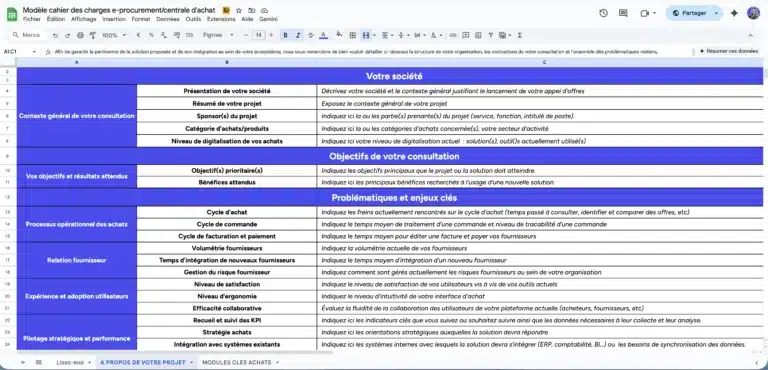
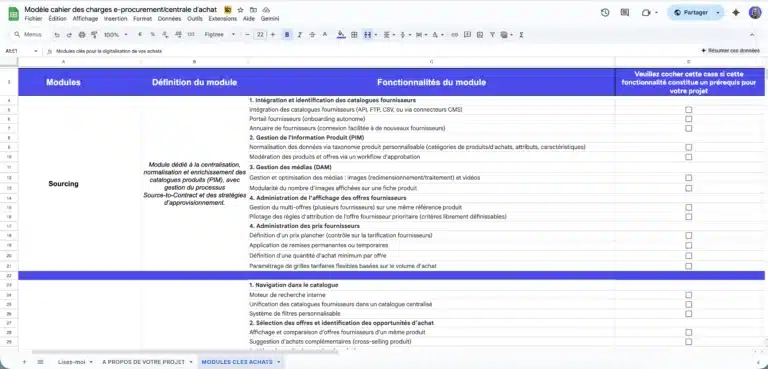
Ensure nothing is overlooked in your project specifications
A ready-to-use template to quickly frame your e-procurement or purchasing group project, compare market solutions, and secure your vendor consultation process.
Comprehensive model used in B2C, B2B or C2C projects and ready to adapt.
3. What about inventory?
Inventory moves faster than the catalog. A partner without a system updates it in their supplier space or with a new file import, by hand or by FTP. For the others, Origami Link and the API automatically sync products, inventory, prices and orders. With an ERP such as Odoo, inventory syncs in real time: see connecting Odoo to a B2B marketplace.
4. How do you keep the catalog clean with so many sources?
The more ways data comes in, the more product listings arrive in different formats. Four safeguards:
a PIM that standardizes listings to your taxonomy: Origami Marketplace’s PIM centralizes seller catalogs based on the hierarchy you define;
import templates by category, so that each file has the right attributes;
catalog moderation before items go live;
automatic image processing, whatever the original format (built-in DAM).
5. Frequently asked questions
Can a supplier send its catalog in Excel?
Yes. On Origami Marketplace, CSV or Excel imports can be done by hand or by FTP upload, with import templates by category.
Does a supplier that sells on Shopify have to re-enter its products?
No. The Origami Link connector automatically syncs products, inventory, prices and orders from Shopify, PrestaShop or Magento, without development.
How long does it take to launch the platform?
With Origami Marketplace, a marketplace is up and running in under 4 months.
Let's talk about your project.
Let’s discuss it. Our expertise extends beyond the tool as we help you structure your project with the right methodology to guarantee its success.